 Safa Marwah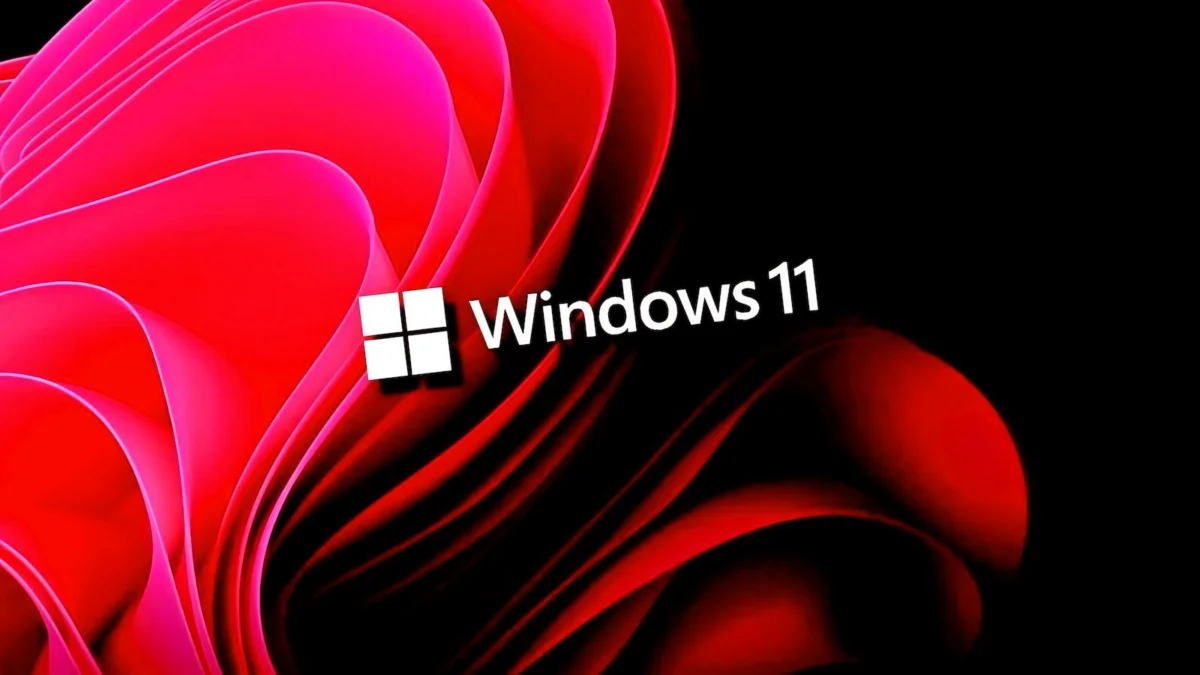
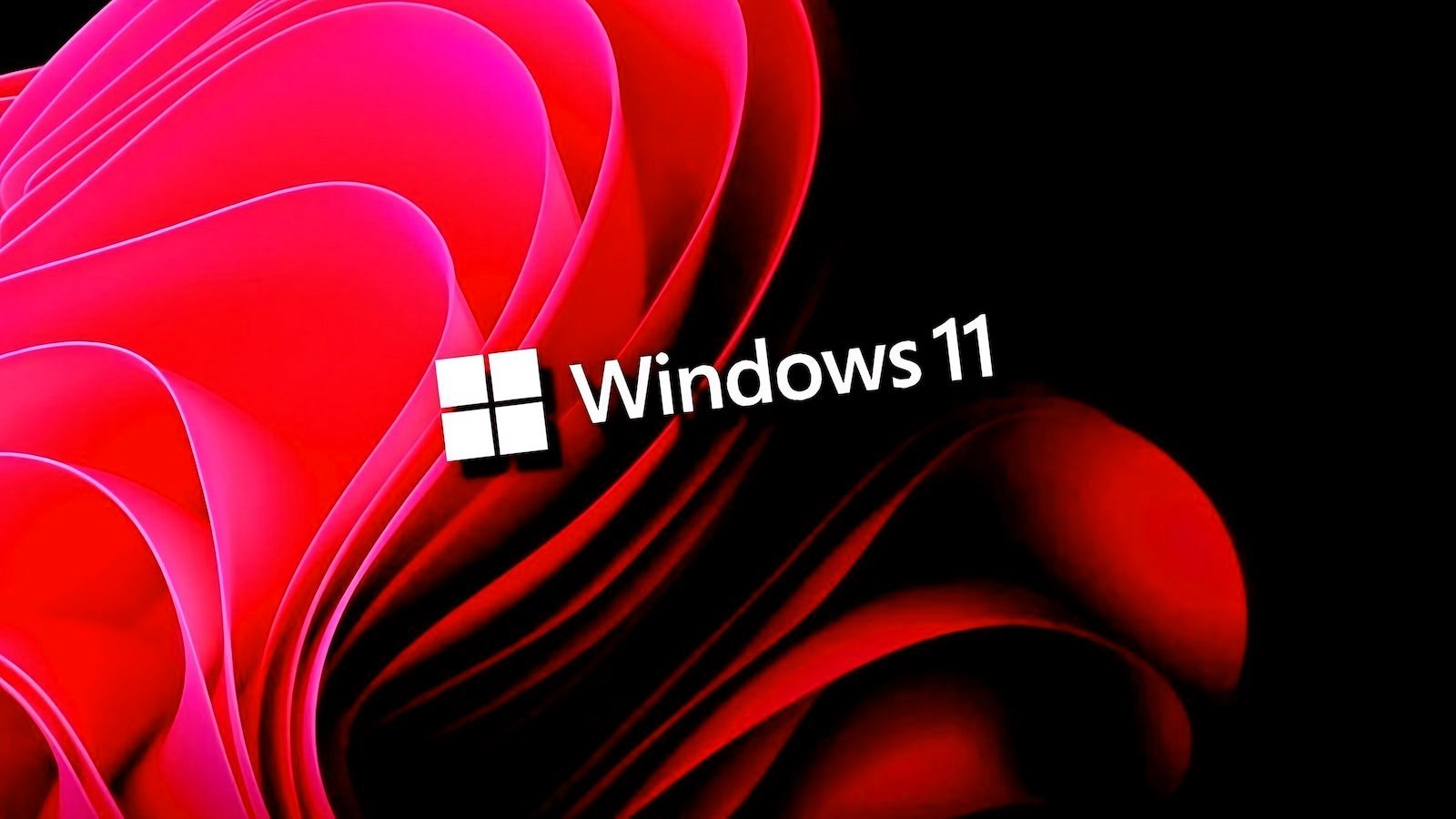
Microsoft has officially confirmed that a recent optional preview update, identified as KB5120998 and released in August 2026, is causing significant disruption by reverting desktop personalization settings and content on a subset of Windows devices, prompting user frustration and raising concerns about update stability. This issue, primarily affecting the visual interface and user-defined environments, represents a notable challenge in the ongoing efforts to deliver seamless operating system enhancements.
The acknowledgment from the Redmond-based software giant came in response to a growing chorus of reports from users who observed their carefully customized desktop environments being inexplicably reset. Key among these complaints was the sudden change of personalized wallpapers to a default solid black background, alongside other alterations to themes and visual preferences. This widespread feedback highlighted a fundamental flaw in the update’s deployment, impacting the very essence of user experience and system personalization. The affected systems predominantly include devices running Windows 11 versions 24H2 and 25H2, indicating a specific interaction with the newer iterations of the operating system.
According to Microsoft’s official statement in a Windows release health update, "Following installation of Windows updates released August 27, 2026 (KB5120998) and later, some Windows Desktop settings fail to load, resulting in desktop backgrounds displaying as a solid black color." The company further elaborated on the scope of the problem, noting that "It is possible other desktop settings may be affected, such as slideshow settings or contrast themes." A particularly vexing aspect of this bug, as detailed by Microsoft, is the users’ inability to manually restore their previous configurations. The underlying issue, it appears, prevents the correct loading of any customized settings, irrespective of their original values, thereby forcing the system to fall back on the default black background. This technical impediment renders user attempts at self-correction futile, exacerbating the inconvenience.
The KB5120998 update, initially deployed on August 27, was positioned as a non-security, optional preview release. Its primary objective was to introduce a range of improvements to core Windows 11 functionalities, including enhancements to the Start menu, taskbar, and Windows search capabilities for versions 25H2 and 24H2. Such preview updates are typically offered to a segment of the user base to gather telemetry and identify potential issues before broader, mandatory rollout. However, the current incident underscores the inherent risks associated with early adoption.
Adding to the complexity, Microsoft had previously acknowledged, just one day prior to the desktop settings confirmation, that the same KB5120998 update was also responsible for resetting mouse settings. Similar to the desktop personalization issue, users found themselves unable to revert their mouse configurations to their preferred states after the update had altered them. This dual impact suggests a broader issue with how the update interacts with user profile settings or system configuration files, extending beyond mere visual aesthetics to fundamental input device preferences.
The optional nature of KB5120998 means that users typically need to actively select the "Download and install" option to apply it. However, a significant caveat exists: if a user has enabled the "Get the latest updates as soon as they’re available" setting within Windows Update, the system will automatically download and install these preview updates, often without explicit user intervention at the time of installation. This automatic deployment mechanism for optional updates, while designed to keep systems current, can inadvertently expose a wider user base to unforeseen issues like the current desktop reset bug.
The Intricacies of User Personalization and System Stability
Desktop personalization is not merely an aesthetic choice; it forms an integral part of the user experience, often directly influencing productivity and comfort. Users invest time in arranging icons, selecting themes, and configuring accessibility settings to create an environment tailored to their workflow and preferences. When these settings are abruptly reset, it disrupts muscle memory, forces users to spend time reconfiguring their systems, and can lead to a sense of digital displacement. For professional users who rely on specific visual cues or arrangements for efficiency, such an event can translate into tangible productivity losses. The inability to restore these settings further compounds the problem, forcing a complete recreation from scratch.
The incident also shines a light on the complex relationship between software updates and system stability. While updates are crucial for security patching, feature enhancements, and performance improvements, their deployment carries inherent risks. The Windows ecosystem is incredibly diverse, encompassing millions of hardware configurations, driver versions, and software installations. Testing updates against every conceivable permutation is an impossible task, making unexpected interactions and bugs an unfortunate but occasional reality. Preview updates, by their very definition, are designed to catch such issues in a controlled environment before wider release. However, when significant bugs like desktop resets emerge even from these preview channels, it raises questions about the robustness of the testing protocols.
Historical Context and Recurring Challenges
This is not the first instance where a Windows update has inadvertently altered desktop settings. Microsoft addressed a strikingly similar bug approximately six years prior, in February 2020. At that time, the KB4539602 update for Windows 7 caused desktop wallpapers set to ‘Stretch’ mode to display as a blank black screen. The recurrence of such a specific issue, albeit on a newer operating system and with a broader impact on settings, suggests a persistent challenge in how Windows updates interact with user interface configuration files or profile management systems. While the underlying technical mechanisms may differ between Windows 7 and Windows 11, the outcome for the end-user remains consistently disruptive.
Beyond wallpaper issues, Windows updates have historically been associated with a range of unexpected problems, from driver conflicts causing peripheral malfunctions to performance degradation and even boot failures. These incidents, while often resolved through subsequent patches, contribute to a phenomenon known as "update fatigue," where users become hesitant to install updates promptly, weighing the benefits of security and new features against the potential for system instability.
Expert Analysis: Potential Technical Underpinnings and Quality Assurance
While Microsoft has not yet disclosed the precise technical root cause, several hypotheses can be considered for the desktop settings reset. One possibility involves an error in the update’s script that manages user profiles or registry keys related to desktop personalization. Updates often involve modifying system files and registry entries; an incorrectly applied change could inadvertently overwrite or corrupt the pointers to user-specific settings. Another avenue could be a conflict with display drivers or graphics APIs, especially given the visual nature of the bug. If the update introduces a change that a specific display driver cannot interpret correctly, it might default to a lowest-common-denominator setting, such as a black background.
Furthermore, issues with the User Profile Service (UPS) or how it loads settings upon user login could be at play. If the update somehow interferes with the UPS’s ability to correctly parse the user’s profile data, it might fail to load custom settings and instead apply system defaults. The fact that manual restoration attempts are ineffective strongly supports the idea that the underlying mechanism for loading these settings is compromised, rather than just the settings themselves being overwritten.
From a quality assurance perspective, the emergence of such a noticeable bug in a preview update, particularly one affecting a fundamental user experience component, raises questions about the scope and depth of internal testing. Microsoft employs a multi-tiered testing approach, including internal development testing, a large Windows Insider Program, and A/B testing in production environments. Despite these extensive measures, edge cases, or configurations that only manifest under specific conditions, can still slip through. The sheer number of hardware and software combinations that Windows supports makes achieving perfect compatibility an enormous challenge. This incident serves as a stark reminder of the continuous effort required to maintain a robust and reliable update pipeline for a global operating system.
Implications for Users and the Future of Windows Updates
The immediate implication for affected users is significant inconvenience and wasted time spent attempting to restore their systems. For many, a personalized desktop is a crucial element of their digital workspace, and its disruption can be genuinely frustrating. The inability to manually restore settings further exacerbates this frustration, potentially leading to a diminished trust in the reliability of Windows updates, especially optional ones.
In the broader context, such incidents can influence user behavior. Some users may become more cautious about installing optional updates, choosing to wait until a fix is confirmed or even disabling automatic updates if they have previously enabled the "Get the latest updates as soon as they’re available" option. While this approach might mitigate exposure to bugs, it can also lead to users missing out on important non-security fixes or performance improvements that optional updates often deliver.
For enterprise environments, while a desktop reset might seem minor, widespread occurrence across a large fleet of corporate devices could lead to a surge in IT helpdesk tickets, consuming valuable support resources. Maintaining a consistent user experience is often a priority in managed environments, and unexpected changes can disrupt workflows and necessitate extensive administrative efforts.
Looking ahead, Microsoft will likely prioritize a fix for this issue. This could come in the form of an out-of-band hotfix, a subsequent cumulative update, or a specific patch that targets KB5120998. The company’s transparency in acknowledging the problem is a positive step, but the ultimate measure of its response will be the speed and effectiveness of the resolution.
Recommendations for Mitigation and Best Practices
For individual users and IT administrators, several best practices can help mitigate the impact of such update-related issues:
- Understand Update Types: Differentiate between mandatory security updates and optional preview updates. While security updates should be applied promptly, optional updates can often be deferred to allow time for potential issues to surface and be addressed.
- Backup Settings: Regularly backing up user profiles, including desktop settings and important files, can provide a recovery point in case of unexpected resets or data loss. Cloud-based sync options for settings can also offer a layer of protection.
- Monitor Release Health Dashboards: Microsoft’s Windows release health dashboards provide real-time information on known issues. Users and administrators should consult these resources before deploying new updates, especially optional ones.
- Consider the Windows Insider Program: For those comfortable with early adoption and testing, joining the Windows Insider Program can help identify and report bugs before they reach the wider public. However, Insider builds are inherently less stable and not recommended for primary production machines.
- Disable Automatic Optional Updates: If "Get the latest updates as soon as they’re available" is enabled, consider disabling it to gain more control over when optional updates are installed. This allows users to manually review and install updates at their discretion.
The incident surrounding KB5120998 serves as a salient reminder of the delicate balance between rapid software development, feature delivery, and the paramount need for system stability and a consistent user experience. As operating systems continue to evolve, the challenge of ensuring seamless updates across an incredibly diverse hardware and software landscape remains a critical area of focus for technology providers.



 Aura Kasih
 Lisa Mariana